optimize
Optimize local PNG and JPEG images during builds. Native support was added in Zensical 0.0.74.
Shrink a screenshot-heavy guide; optimize photos without changing their URLs.
Try it
JPEG optimization
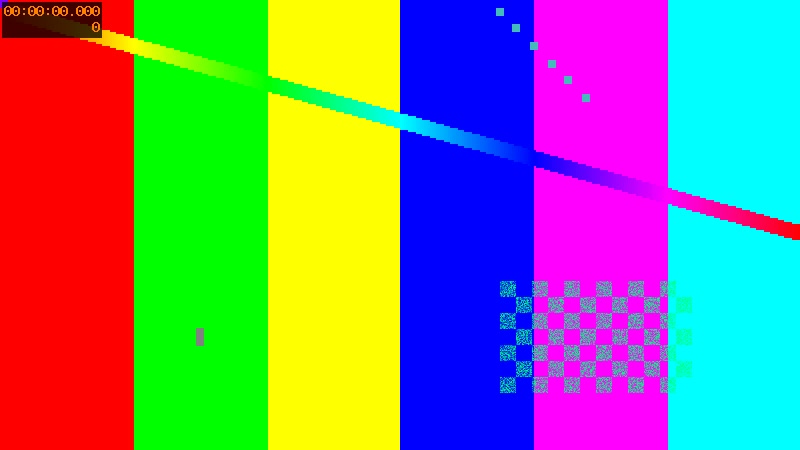
Compare photo.jpg in the source and built site: the build reduces its size.
Stable URL
The image remains available under the same photo.jpg path after optimization.
Measured result
The fixture is 35,782 bytes before the build and 18,314 bytes after optimization, a reduction of 17,468 bytes (about 49%). JPEG compression is lossy, so the optimized image may differ visually.
| Original | Built image |
|---|---|
 |
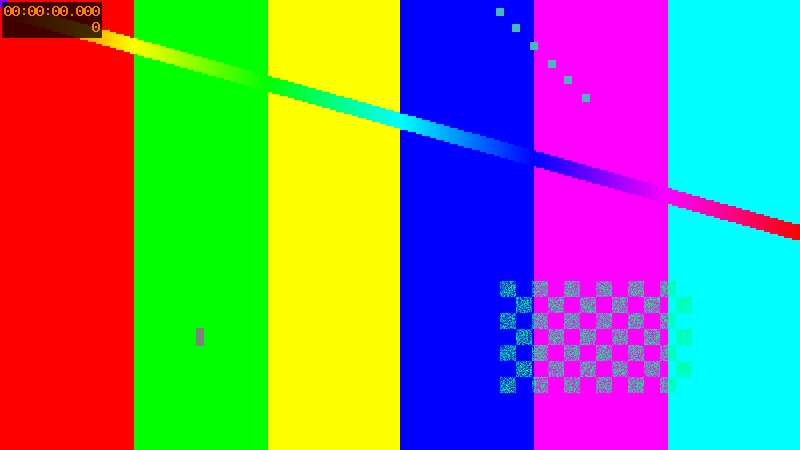 |
| 35,782-byte source | 18,314-byte output |
Source and configuration
The configuration and example Markdown are available in the repository. Other files in that directory supply the example’s fixtures.