Footer and social links
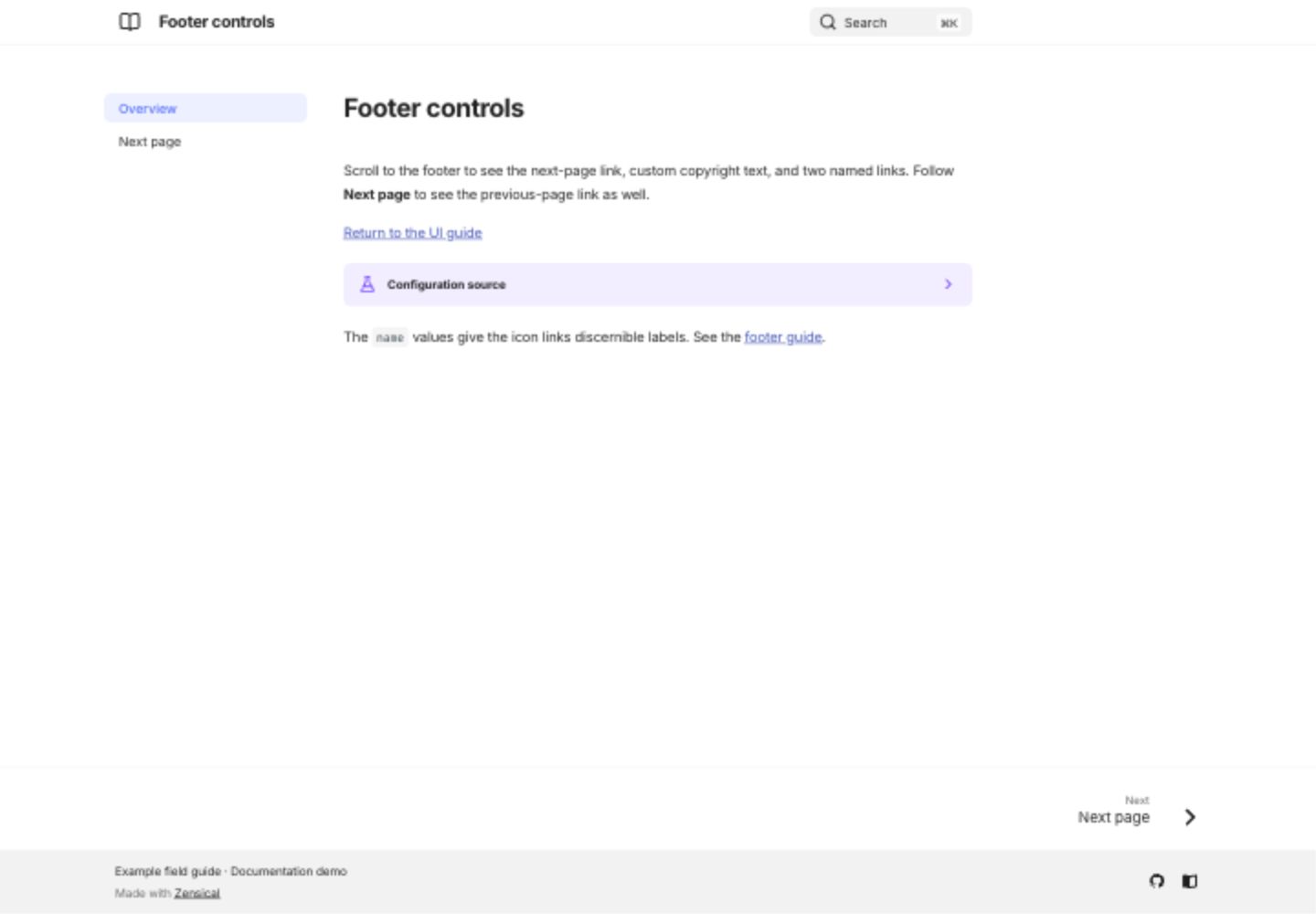
The variant's footer combines a copyright notice, two named icon links, and previous/next page navigation. Open its second page to see the previous link. These controls are built into the theme; the source below shows their configuration.
Show configuration
[project]
copyright = "Example field guide · Documentation demo"
nav = [{"Overview"="index.md"}, {"Next page"="next.md"}]

[project.theme]
features = ["navigation.footer"]

[project.theme.icon]
previous = "fontawesome/solid/angle-left"
next = "fontawesome/solid/angle-right"

[[project.extra.social]]
icon = "fontawesome/brands/github"
link = "https://github.com/pete-wai/zensical-examples"
name = "Example repository on GitHub"

[[project.extra.social]]
icon = "fontawesome/solid/book-open"
link = "https://zensical.org/docs/"
name = "Zensical documentation"
Use name to give an icon link a meaningful title. A page can hide its previous/next links with hide: [footer] in front matter. See the official footer guide.
Desktop preview