Logo, favicon, and icons
Open the branding demonstration
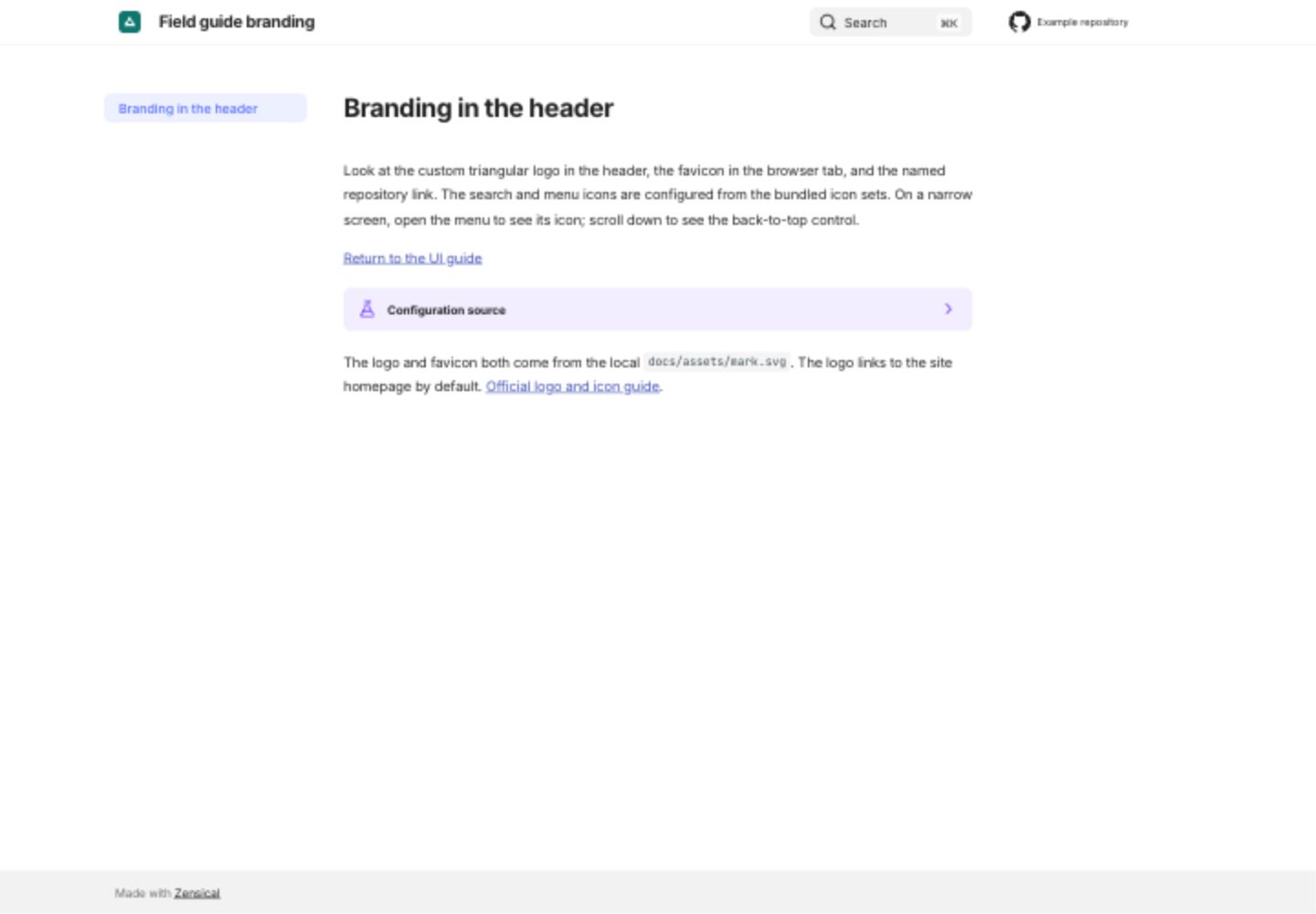
The demonstration uses the same local SVG as its header logo and browser favicon. Its header also names a repository and changes the repository, search, menu, and back-to-top icons. The menu is visible on a narrow screen; the back-to-top control appears after scrolling.
Show configuration
[project]
repo_url = "https://github.com/pete-wai/zensical-examples"
repo_name = "Example repository"

[project.theme]
logo = "assets/mark.svg"
favicon = "assets/mark.svg"
features = ["navigation.top"]

[project.theme.icon]
repo = "fontawesome/brands/github"
search = "lucide/search"
menu = "lucide/menu"
top = "lucide/arrow-up"
The image paths are relative to the variant's docs directory. Alternatively, theme.icon.logo selects a bundled icon. The logo normally links to the site's homepage; project.extra.homepage can change its destination. See the official logo and icons guide and repository setup.
Desktop preview