search
Provide full-text search for documentation. Native support was added in Zensical 0.0.3.
Find an obscure term across a handbook; jump from a search result directly to a section.
Try it
Exact term
Search for “moonflower” to find the distinctive term in the page.
Phrase
Search for “waterproof notebook” to locate the field-kit section.
Tag filters
Search for “field guide” and use the tag filter to narrow the results to Botany or Equipment. The two tagged pages have matching text and different tags, so the filter changes which result remains.
Excluded page
The unindexed page contains the distinctive word quartzbeacon. Try searching for it in the example: the page remains readable at its URL, but its search.exclude: true front matter keeps it out of the index. Exclusion affects search, not access to the page.
Source and configuration
The configuration and example Markdown are available in the repository. Other files in that directory supply the example’s fixtures.
Zensical compatibility and settings · Plugin documentation
Filtered results
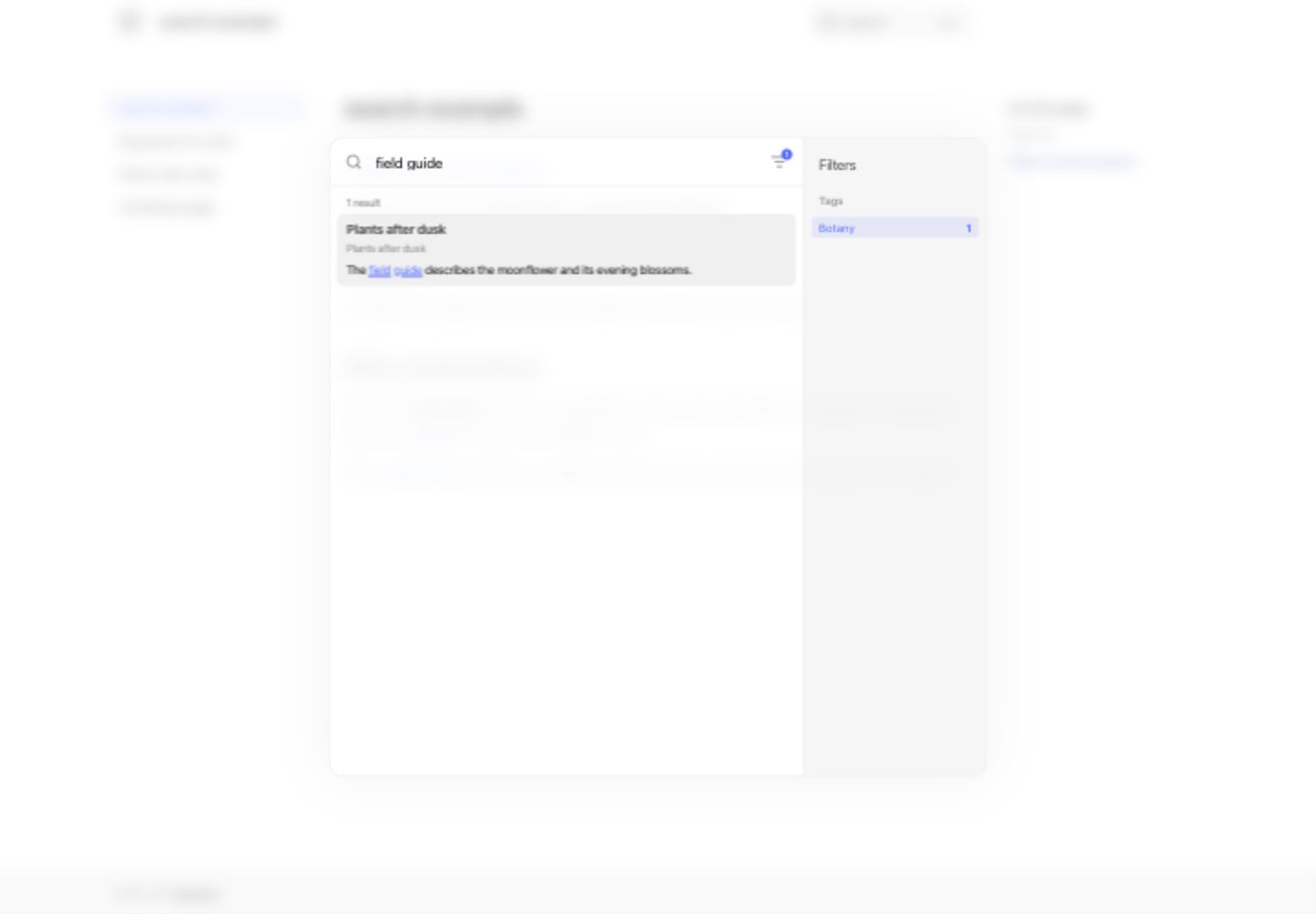
This capture shows the query field guide narrowed to the Botany tag in UI 0.0.41. The Equipment page no longer appears.