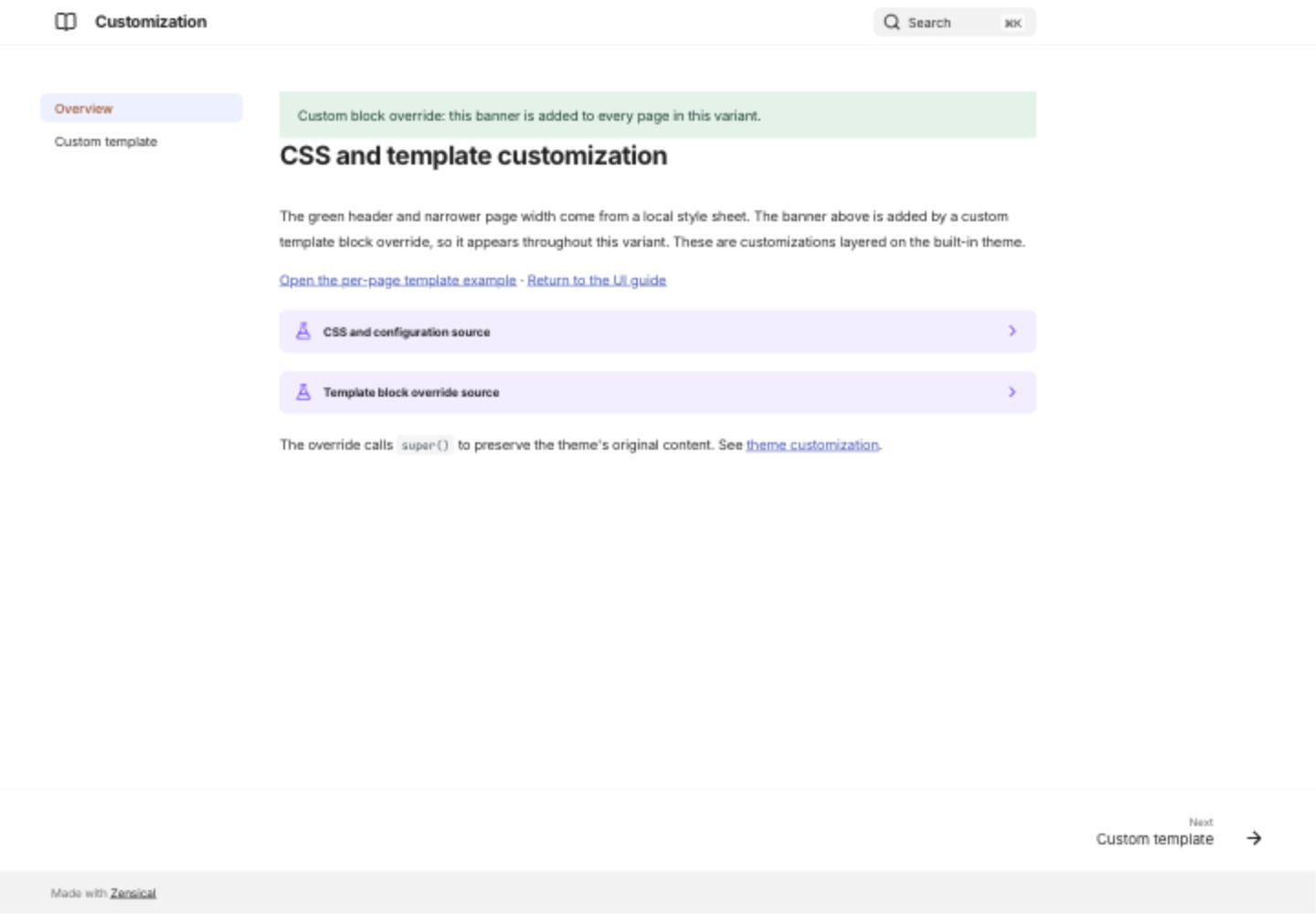
CSS and template customization
Open the customization demonstration
The demonstration extends the built-in theme with a local CSS file and MiniJinja templates. It is a customization example: the colored banners are supplied by the variant, not built-in theme controls.
CSS colors and width
The variant applies a green primary color, a warm accent, and a 68-rem maximum grid width. Compare it with the main site to see the difference.
Show CSS and configuration
Override a block
The green banner appears on both pages in the variant because its overrides/main.html extends the base template and adds content to a block. super() preserves the original block.
Show override
Select a page template
The per-page template example adds an orange note only on that page. Its front matter selects example.html, which extends the shared override. See the complete source in the demo and the official customization guide.
Show page-specific template
Desktop preview